Implementation of the client's theme.
Theme
For the past couple of weeks or approximately a month, I have been working on implementing the Client's theme. That includes the implementation of the basic components based on Unity's UI Toolkit and porting some CSS styles from the website to Unity Style Sheet (USS) format.
Components
UI elements are implemented based on the UI Toolkit which works almost similar to the HTML components but with the less features. Because of that, I was working on adding some missing features that the project will require. Such as scalable font icons, outside and inside shadows for elements with blur support, additional outline style similar to the CSS one, basic implementation of media queries, a fake background blur (there are plans for real background blur in the future), and other utilities to work with UI Toolkit elements. I may write a post later with more details about the implementation of shadows, outlines, and scalable icons.
Showcase
Here are screenshots with a showcase of the most implemented elements for the Light and Dark theme. Also, I've added support for basic style based on the Bootstrap one.
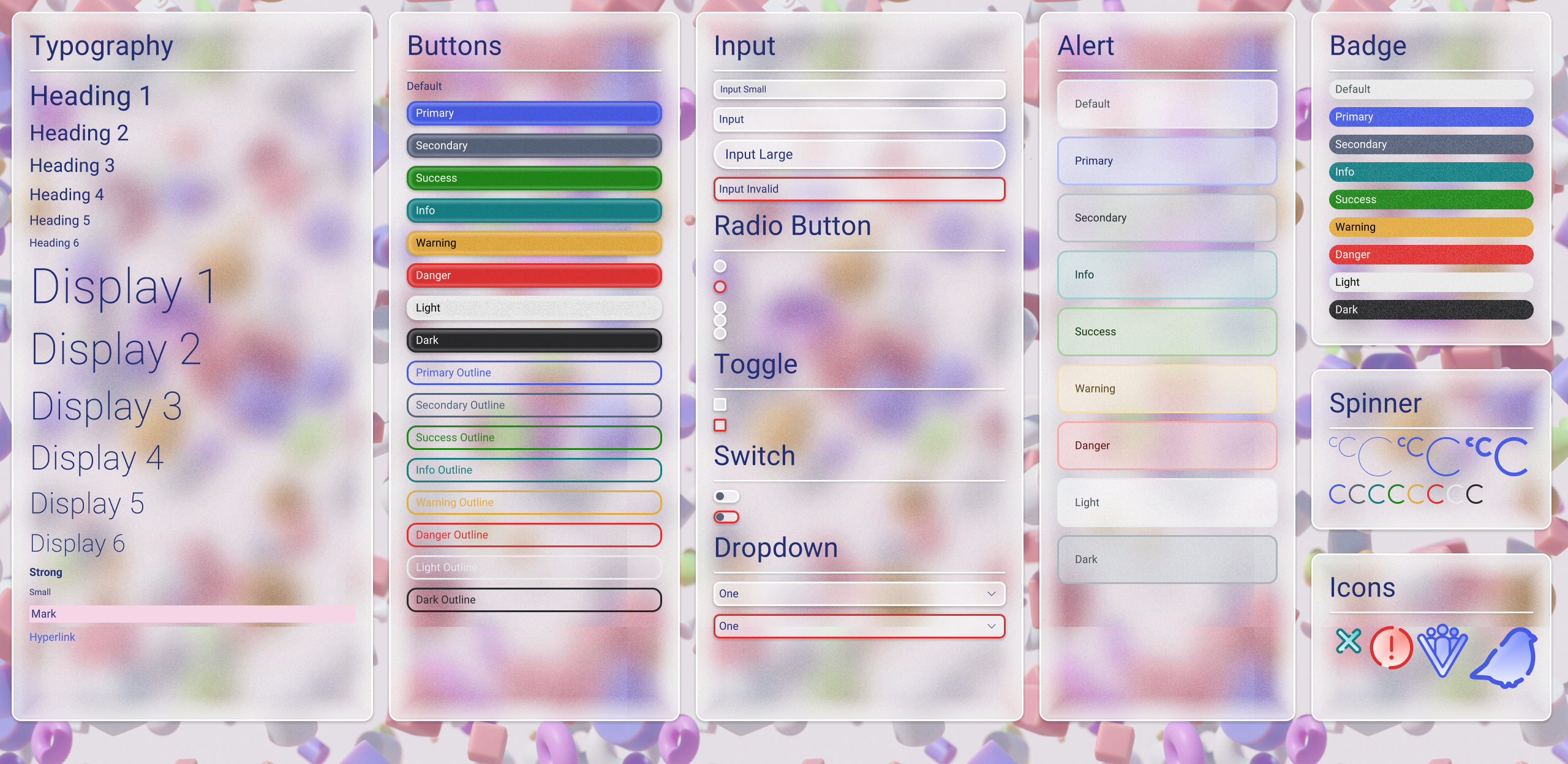
Light Theme
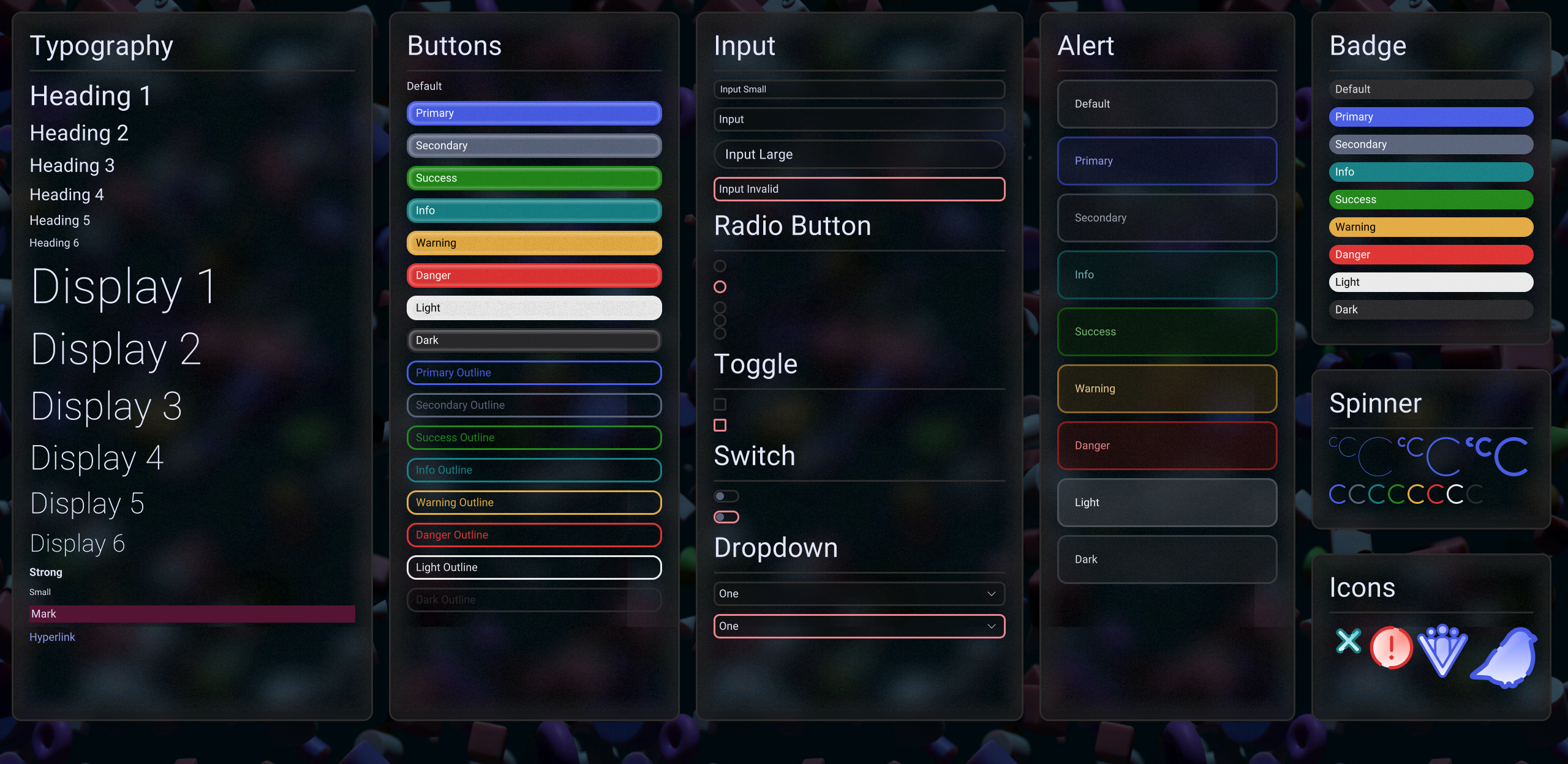
Dark Theme
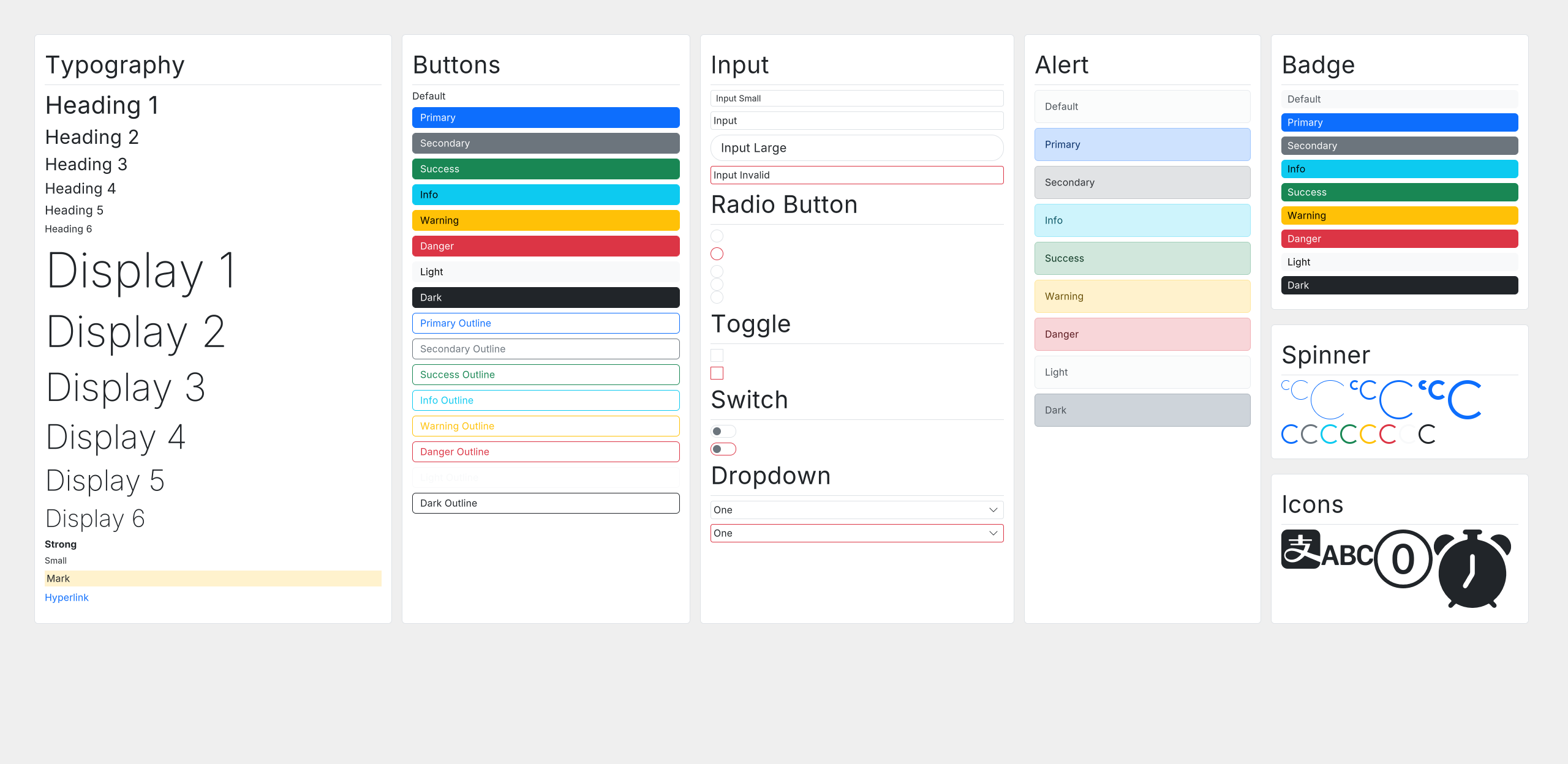
Bootstrap Light Theme
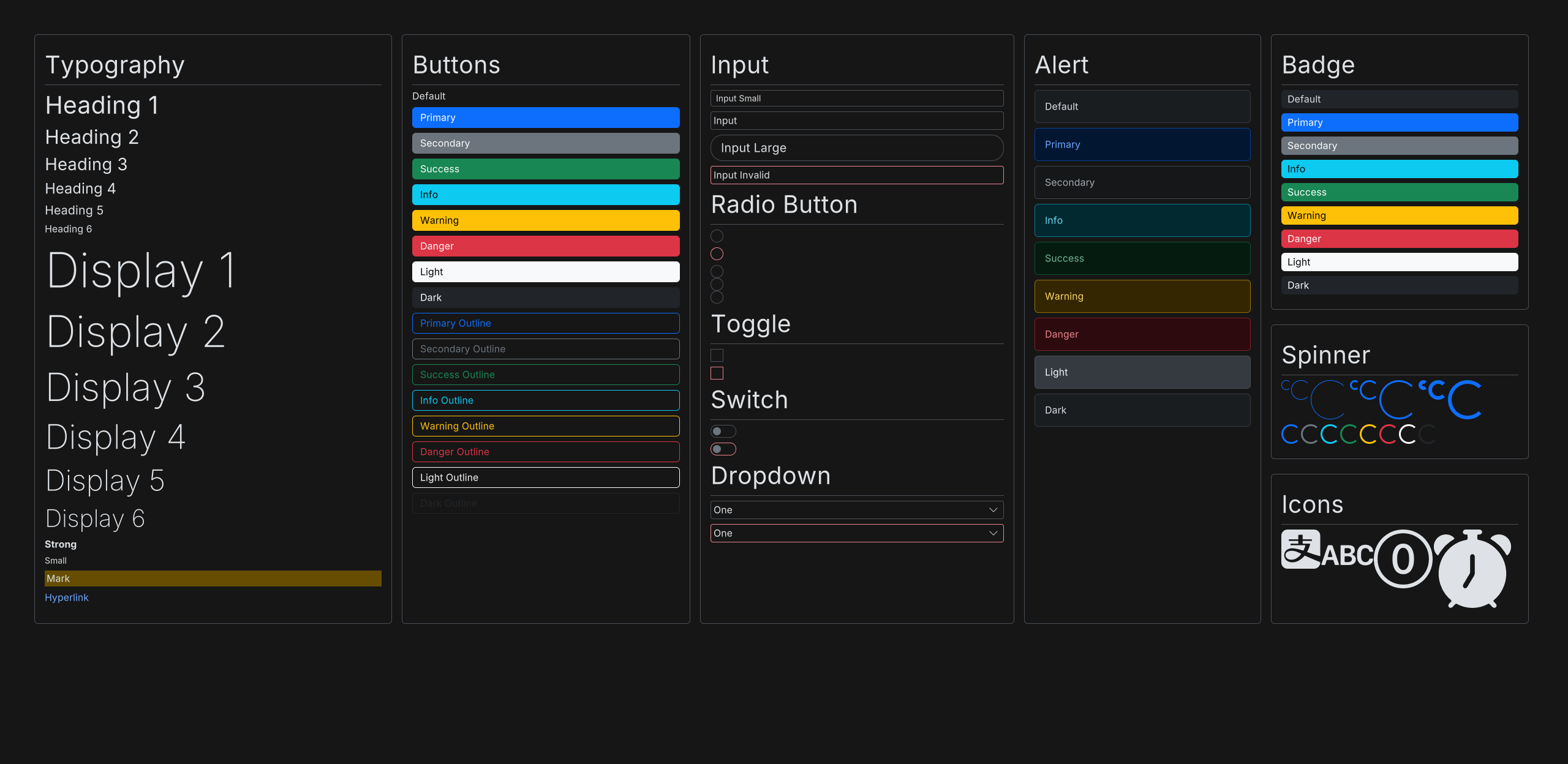
Bootstrap Dark Theme
Next
The next phase of the development is dedicated to the 3D graphics part of the project, and there will be more to show. Until the next time!